In 2026, the digital world is no longer just a “space”—it is the primary economy. We have moved past the era of casual posting into a world where Precision Content reigns supreme. Whether you are a gamer showcasing a high-stakes clutch, an educator explaining complex software, or a corporate professional delivering a remote keynote, your screen is your canvas.
However, as the barrier to entry drops, the standard for quality rises. Viewers today possess a “3-second filter.” If your video is blurry, or worse, if your voice doesn’t match the action on the screen, they are gone. This guide is designed to bridge the gap between “amateur recording” and “professional production” using the most accessible tools available today.
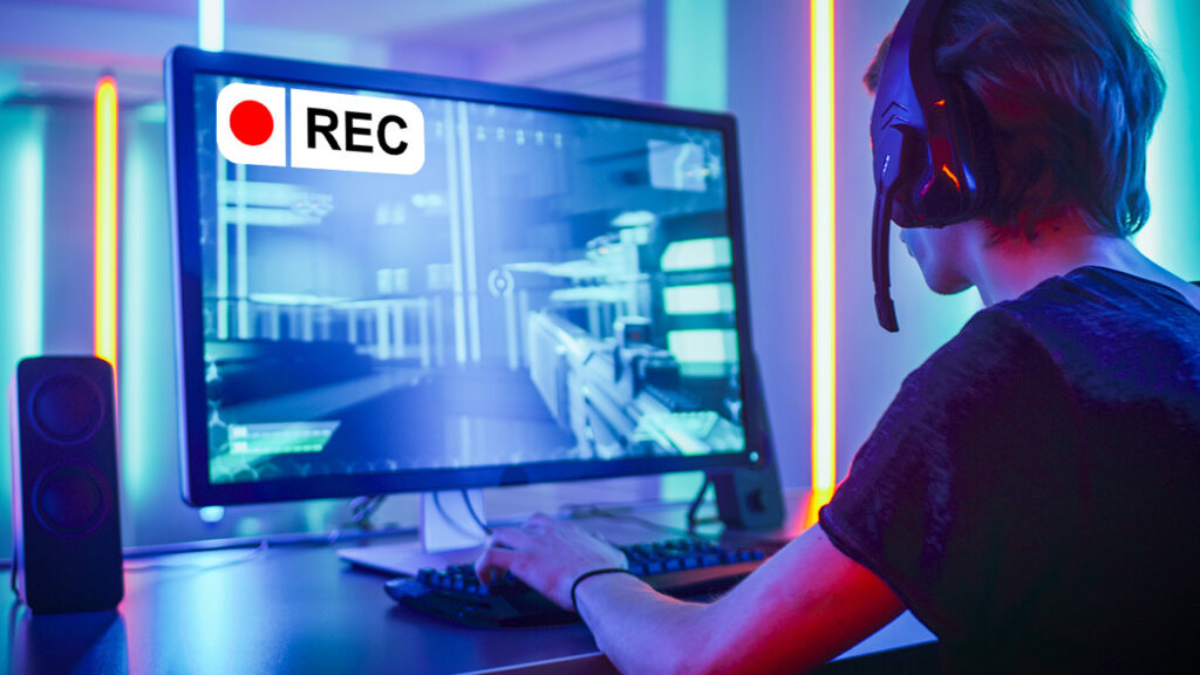
Why Screen Recording is the Backbone of Modern Media
Why has screen recording become a mandatory skill?
-
The Gaming Renaissance: With the release of next-gen titles, “Let’s Play” videos have become a form of high-art entertainment.
-
The Knowledge Gap: Millions of people use YouTube to learn coding, digital art, and Excel. Screen recording is the primary vehicle for this knowledge transfer.
-
The Remote Work Shift: Video memos and recorded presentations have replaced long, unproductive meetings.
Technical Barriers: The “Audio-Visual Lag” Nightmare
If you have ever tried to record a fast-paced game like Valorant or GTA VI using basic built-in tools, you’ve likely encountered the “Delay.” This happens when the computer’s CPU is overwhelmed, causing the audio track to desync from the video.
For a creator, this is fatal. A joke told 2 seconds after the visual punchline loses all its value. To solve this, you need software that utilizes Hardware Acceleration, ensuring that the video and audio streams are encoded simultaneously in real-time.
Introducing iMyFone Filme: A New Standard
While there are hundreds of recording apps, iMyFone Filme has carved out a niche by focusing on the “User Journey.” Many professional suites like Premiere Pro or OBS are incredibly powerful but have a learning curve that can take months to master.
Filme is different. It provides “Power-User” features—like real-time recording, voice changing, and advanced transitions—wrapped in a User Interface (UI) that a beginner can navigate in five minutes. It is the perfect entry point for those who want professional results without a degree in video engineering.
Step-by-Step Masterclass: Recording with Precision
Phase 1: Installation & Setup
Before you hit the red button, you need a clean environment.
-
Download: Visit the official iMyFone site. Use the “Free Download” option to test your hardware compatibility.
-
Agreement: Ensure you check the “License Agreement” box. In 2026, staying updated with software terms is crucial for security.
-
The Dashboard: Once installed, you’ll see the Screen Recorder module. This is your command center.
Phase 2: Defining the Area
Do you want to record your whole desktop or just a specific window? Filme allows you to drag and lock onto specific applications. This is vital for gamers who want to hide their taskbar or private notifications during a session.
Phase 3: The Audio Check
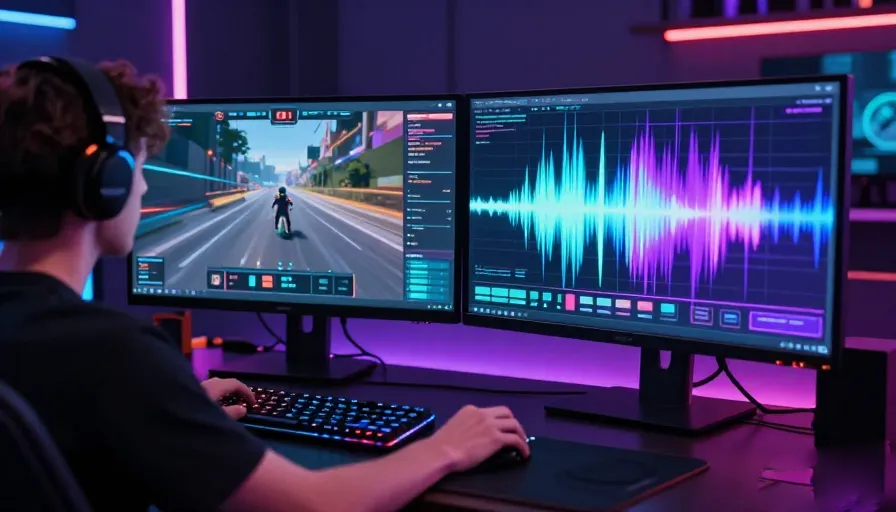
This is where most creators fail. Filme allows you to toggle between “System Sound” (the game/video sound) and “Microphone Sound” (your voice). For a professional feel, you want both enabled, but with the system sound slightly lower to ensure your commentary is the star of the show.
The Science of Sound: Real-Time Voice Manipulation
One of Filme’s most underrated features is the One-Click Voice Changer. In the 2026 content landscape, character is everything. Some of the most successful YouTubers use voice modulation to create “personas.”
-
The Comedy Factor: Shifting your pitch higher during a funny moment can trigger more engagement and “shares.”
-
Efficiency: Instead of spending hours in Adobe Audition, you can change your voice during the edit or even during the recording, drastically cutting down your “Time-to-Market.”
Visual Storytelling: Filters and Transitions
A “raw” recording is just data. A “video” is a story. Filme comes pre-loaded with a library of filters that can change the mood of your footage instantly.
-
Cinematic Filters: Give your tutorial a professional, documentary-style look.
-
Transitions: Avoid “Jump Cuts” that disorient the viewer. Using a smooth “Dissolve” or “Wipe” keeps the viewer’s brain engaged with the flow of information.
Frequently Asked Questions (FAQ)
1. What is screen recording software used for?
Screen recording software is used to capture on-screen activity for tutorials, gaming videos, presentations, online classes, and content creation.
2. Why does audio become out of sync during screen recording?
Audio-video lag usually happens when the CPU is overloaded, causing delayed encoding between video and sound tracks.
3. What is hardware acceleration in screen recording?
Hardware acceleration uses the computer’s GPU to process video encoding more efficiently, reducing lag and improving performance.
4. Is iMyFone Filme beginner-friendly?
Yes. iMyFone Filme is designed with a simple interface that allows beginners to create professional-looking recordings quickly.
5. Can I record both microphone and system audio at the same time?
Yes. Most modern screen recorders, including Filme, allow simultaneous recording of microphone input and system sound.
6. Why are smooth transitions important in videos?
Transitions improve visual flow, reduce abrupt cuts, and help keep viewers engaged throughout the content.
7. What are cinematic filters in video editing?
Cinematic filters adjust color, lighting, and tone to give footage a more professional and visually appealing appearance.
8. Can voice changers improve content engagement?
Yes. Voice modulation can add humor, personality, and entertainment value, making videos more memorable.
9. Is screen recording useful outside gaming?
Absolutely. Screen recording is widely used for online education, software demonstrations, remote work presentations, and business communication.
10. What makes viewers leave a video quickly?
Poor video quality, blurry visuals, lagging audio, and confusing editing are among the biggest reasons viewers stop watching within seconds.