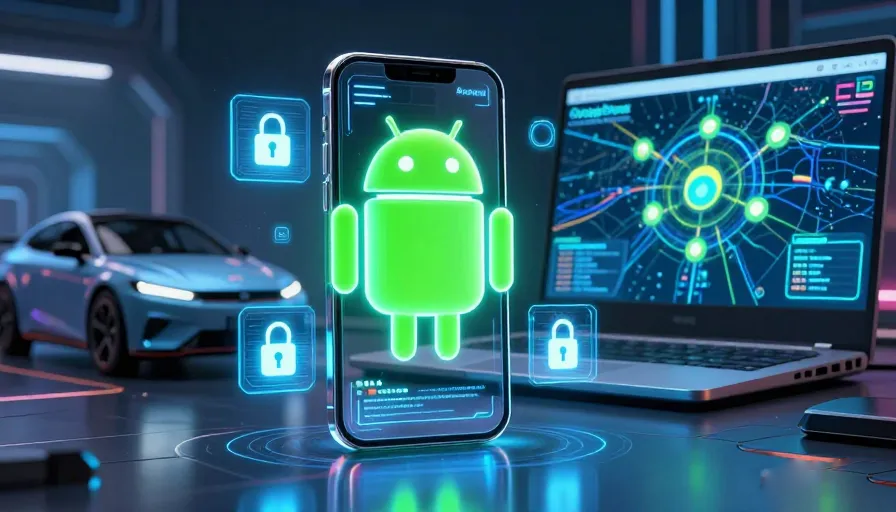
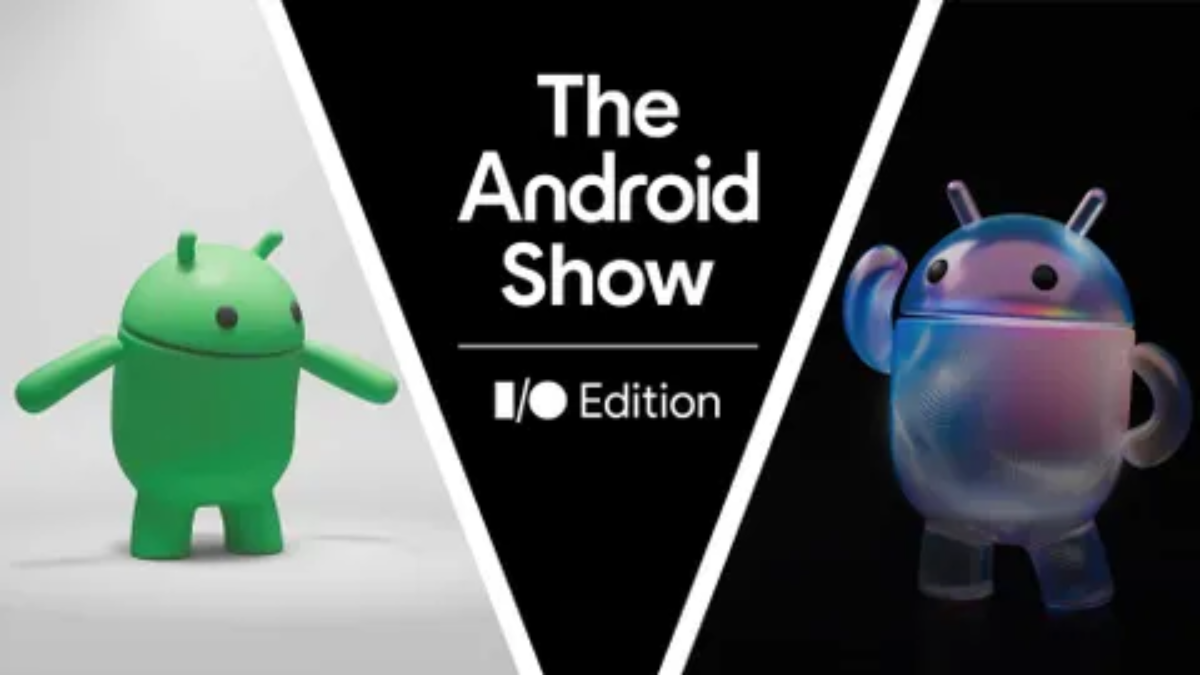
In May 2026, the mobile landscape reached a historical turning point. During “The Android Show: I/O Edition,” Google’s President of the Android Ecosystem, Sameer Samat, made a bold claim: Android is no longer just an operating system. It has evolved into an Intelligent System.
As we move deeper into the 2020s, the friction between the user and the device is disappearing. Android 17 isn’t just a collection of menus and icons; it is a proactive agent designed to anticipate human needs. This guide explores the monumental updates announced in May 2026, from the “agentic” capabilities of Gemini Intelligence to the surprise reveal of the Googlebook.
The Android Show 2026: A New Era of Connectivity
For the first time, Google opted for a dedicated pre-I/O event to showcase the consumer-facing side of Android. The show was a masterclass in modern storytelling, focusing on how technology can “fade into the background” to help us live better lives.
The central theme was “Intelligence that Empowers.” While previous versions of Android focused on customization and aesthetics (Material You), Android 17 is about functionality through AI. The show emphasized that the 3 billion active Android devices are now becoming a unified, smart mesh.
Gemini Intelligence: The Core of Android 17
The most significant update is the integration of Gemini Intelligence. Unlike previous iterations of Google Assistant, Gemini Intelligence is baked into the very kernel of Android 17.
Proactive Automation
Gemini Intelligence is “agentic,” meaning it can perform multi-step tasks across different apps. For example, if you receive a photo of a concert flyer, you can simply say, “Gemini, find me two tickets in the front row and clear my Friday night calendar.” The AI navigates the ticketing app, checks your Google Calendar, and sends the invites—all in seconds.
Intelligent Form Filling
We’ve all struggled with mobile-unfriendly web forms. Android 17 introduces a Gemini-powered form-filler that can securely retrieve data from your encrypted vault (like passport numbers or loyalty rewards) and populate forms with 100% accuracy, saving hours of manual entry.
Googlebook Unveiled: Merging Android and ChromeOS DNA
The “One More Thing” of 2026 was undoubtedly the Googlebook. After years of rumors, Google officially entered the premium laptop space with a device that bridges the gap between the Pixel phone and the ChromeOS ecosystem.
Key Hardware Innovations:
-
The Magic Pointer: A revolutionary cursor that uses Gemini to provide contextual suggestions. Hover over a foreign language text, and it translates instantly; hover over an image of a product, and it finds the best price online.
-
Adaptive Sync: Your Android apps don’t just “run” on Googlebook; they adapt to the screen size and input method perfectly, sharing a unified clipboard and file system.
Motion Assist: The Science of Comfortable Mobile Use
One of the most human-centric features of Android 17 is Motion Assist. In 2026, mobile usage in vehicles (especially autonomous ones) is at an all-time high, but so is motion sickness.
Motion Assist uses the phone’s high-frequency sensors to detect the vehicle’s movement. It then overlays subtle, non-intrusive visual cues on the screen that move in harmony with the car. This tricks the brain into reconciling the visual and vestibular inputs, effectively eliminating “tech-induced nausea” for nearly 85% of tested users.
Liquid Glass: A Visual Masterclass
Android 17 introduces the Liquid Glass aesthetic. Building on Material 3, Liquid Glass utilizes advanced GPU rendering to create depth, transparency, and high-fidelity blurs.
The interface feels “wet” and responsive. When you pull down the notification shade, it doesn’t just overlay the screen; it gracefully refracts the colors of your wallpaper, creating a sense of physical layering. This design language is consistent across phones, tablets, and the new Googlebook, providing a premium, unified look.
Privacy 2.0: Native App Lock and One-Time Permissions
Privacy remains a cornerstone of the Android 2026 experience.
-
Native App Lock: Google finally introduced a system-wide App Lock. You can now secure individual apps (like Banking or Gallery) using Face Unlock or Fingerprint without needing third-party software.
-
One-Time Location: Similar to one-time passwords, you can now grant an app location access for a single session. Once you close the app, the permission is instantly revoked.
Digital Wellbeing: The “Pause Point” Innovation
To address the growing concern over social media addiction and “doomscrolling,” Android 17 introduces Pause Point.
Instead of a hard block, Pause Point uses Gemini to detect when a user is spiraling into unproductive scrolling. It gently interjects with a “Pause Point”—displaying a calming photo of family or a reminder of a goal you set earlier in the day. It’s not about restriction; it’s about mindful technology use.
Android Auto 2.0: Immersive Navigation
Android Auto received its largest update in five years. The new Immersive Map feature uses 3D rendering to show buildings, landmarks, and even live traffic flow in high-definition.
Furthermore, Android Auto is now Adaptable, meaning it can change its UI layout to fit any screen—whether it’s the vertical screen of a Tesla, the wide screen of a BMW, or the circular display of a modern Mini Cooper.
The Creator Economy: Screen Reactions
For influencers and creators, Android 17 is a game-changer. The Screen Reactions feature allows users to record their screen and their front-facing camera simultaneously with one tap.
What sets it apart is the Post-Capture Voice Optimization. Gemini can isolate your voice from background noise after the recording is finished, ensuring your “reaction” video sounds like it was recorded in a professional studio, even if you’re in a crowded cafe.
Conclusion: Why Android 17 Changes Everything
As we look toward the rest of 2026, it is clear that Google has stopped playing “catch-up” with other ecosystems. Android 17 is a confident, mature, and incredibly smart platform. By combining the power of Gemini Intelligence with the sleekness of Liquid Glass and the versatility of the Googlebook, Google has created an ecosystem that doesn’t just store our data—it understands our lives.
Frequently Asked Questions (FAQ)
1. What is Android 17?
Android 17 is Google’s 2026 operating system focused on AI-powered automation, smarter personalization, advanced privacy, and deep ecosystem integration.
2. What is Gemini Intelligence?
Gemini Intelligence is Google’s integrated AI system that enables Android devices to perform proactive multi-step tasks and contextual assistance across apps.
3. What makes Android 17 different from previous versions?
Android 17 transforms the smartphone into an “intelligent agent” capable of understanding intent, automating workflows, and adapting to user behavior.
4. What is the Googlebook?
Googlebook is a new Google laptop platform combining Android and ChromeOS technologies with seamless phone integration and AI-powered features.
5. How does Motion Assist work?
Motion Assist uses motion sensors and visual cues to reduce motion sickness while using devices in moving vehicles.
6. What is the Liquid Glass interface?
Liquid Glass is Android 17’s translucent visual design system featuring dynamic blur effects, layered transparency, and adaptive color rendering.
7. Does Android 17 improve user privacy?
Yes. Android 17 introduces native App Lock, one-time permissions, and more intelligent notification privacy protections.
8. What is Pause Point in Digital Wellbeing?
Pause Point is a mindfulness feature that slows impulsive app usage by inserting intentional interruptions before opening distracting apps.
9. What new features does Android Auto 2.0 include?
Android Auto 2.0 introduces immersive 3D maps, adaptable interfaces for different vehicles, and smarter dashboard integrations.
10. How does Screen Reactions help content creators?
Screen Reactions allows simultaneous facecam and screen recording with AI-powered voice cleanup and creator-focused editing enhancements.