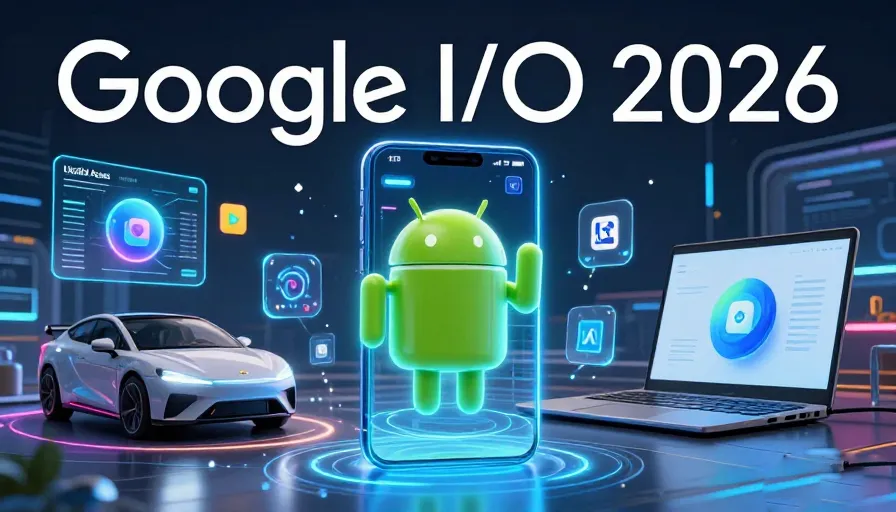
In May 2026, the tech world reached a fever pitch. As we stood on the precipice of Google I/O, “The Android Show: I/O Edition” served as more than just a teaser—it was a declaration of independence from the “passive” smartphone era. We are no longer using devices that merely respond to commands; we are entering the era of Agentic AI.
Android 17 isn’t just an incremental update; it’s a foundational shift in how humans interact with silicon. From the way we manage motion sickness in self-driving cars to the way our phones “think” on our behalf via Gemini Intelligence, 2026 marks the year the smartphone finally became a “smart-agent.”
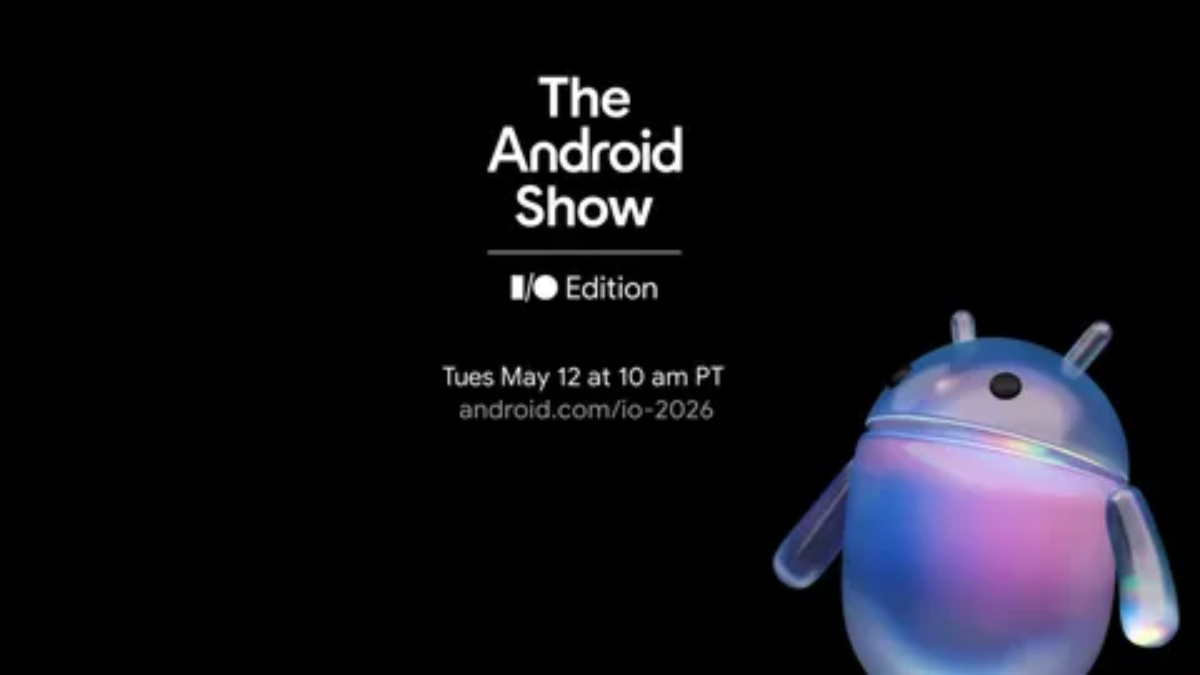
The Android Show 2026: A Pre-I/O Masterclass
Broadcast live on May 12, 2026, The Android Show set the stage for what President of the Android Ecosystem, Sameer Samat, called “the most ambitious year in our history.” While the main I/O keynote often focuses on developers, this show was for the PetLovers of technology—the everyday users who want to know how their lives will change.
The show highlighted three core pillars: Intelligence, Personalization, and Connectivity. It wasn’t just about software; it was about the synergy between the new Android 17 and the newly unveiled Googlebook hardware.
Gemini Intelligence: The Brain Behind Android 17
The term “AI” became a buzzword in 2024, but in 2026, it became Gemini Intelligence. This is the specialized version of Google’s LLM (Large Language Model) baked directly into the Android kernel.
Multi-Step Automation
Imagine taking a photo of a restaurant menu and saying, “Gemini, book a table for four on Friday, add it to my calendar, and invite my ‘Dinner Group’ via WhatsApp.” In Android 17, this is no longer a dream. Gemini Intelligence can now perform multi-step automation across different apps without the user ever leaving the interface.
Rambler: The Gboard Evolution
We’ve all been there—trying to dictate a text while walking and saying “um,” “uh,” or stumbling over words. The new Rambler tool in Gboard uses Gemini to strip away filler words in real-time, even handling language-switching mid-sentence with perfect grammar.
Googlebook: The Birth of a New Hardware Category
Perhaps the biggest surprise of the 2026 show was the Googlebook. Partnering with giants like ASUS, Dell, HP, and Lenovo, Google has created a new class of laptops designed to be the ultimate companion to an Android phone.
Key Features:
-
The Glowbar: A unique lighting effect that signals AI status and notifications.
-
Magic Pointer: A cursor that “comes to life” when wiggled, providing contextual suggestions (like visualizing how a piece of furniture in a photo would look in your actual living room).
-
App Bridge: No more emulators or complex setups. Your phone apps run natively on the Googlebook screen with zero lag and shared file systems.
Motion Assist: Solving Motion Sickness
For years, millions of people have been unable to use their phones in cars or buses due to nausea. Android 17 introduces Motion Assist, a tool developed with vestibular scientists.
Using the phone’s gyroscope and accelerometer, Motion Assist displays small, non-intrusive “Motion Cues” (visual dots) that move in sync with the vehicle’s motion. This allows the brain to reconcile what the eyes see with what the inner ear feels, effectively neutralizing motion sickness for the majority of users.
Liquid Glass: The Visual Evolution
Visual aesthetics in 2026 have moved toward Liquid Glass. While some critics compared it to Apple’s iOS 26, Android 17’s implementation is deeply rooted in Material 3 Expressive.
The UI now features translucent, glassy blurs on the volume bar, power menu, and notification shade. These elements aren’t just “static” blurs; they are Dynamic Color blurs, meaning they adapt their tint and transparency based on your wallpaper and the time of day. It creates a layered, “physical” feel to the digital screen.
Privacy Redefined: App Lock and Location Buttons
Google has finally closed the gap on one of its most requested features: Native App Lock.
-
Intelligent Notifications: When an app is locked (e.g., WhatsApp or a banking app), the notification shade will only show “New Message” or “New Alert,” hiding sensitive content until biometrically unlocked.
-
The One-Time Location Button: Instead of giving an app “Precise Location” forever, Android 17 introduces a dedicated UI button that grants location access for one-time use only during a specific session.
Digital Wellbeing: The “Pause Point” Strategy
To combat “doomscrolling,” Google introduced Pause Point. Instead of hard-locking you out of an app, Pause Point enforces a 10-second delay when you open a distracting app (like Instagram or TikTok). This “speed bump” encourages intentionality, often prompting the user to take a deep breath or reconsider why they picked up the phone in the first place.
Android Auto 2.0: 3D Maps and Dashboard Intelligence
The update to Google Maps for cars is the largest in a decade.
-
Live Lane Guidance: Using the car’s front-facing camera, Google Maps now overlays your path directly onto a 3D view of the road.
-
Dashboard Widgets: For the first time, users can place custom widgets (weather, garage door controls, or meal trackers) directly on the Android Auto dashboard.
The Creator Toolkit: Pro-Grade Integration
Google confirmed a massive partnership with Meta to optimize Instagram for Android.
-
Ultra HDR Capture: Native support for the full dynamic range of the Pixel 10 and Galaxy S26 sensors directly within the Instagram app.
-
Screen Reactions: A new system-wide tool that allows creators to record their face and screen simultaneously, creating “Reaction” videos without needing external editing software.
Conclusion: Why Android 17 is the Most Mature OS Yet
Android 17 is the culmination of nearly two decades of development. It has moved past the “fragmentation” issues of the early 2010s and the “feature bloat” of the early 2020s. In 2026, we have an OS that is sleek, incredibly private, and powered by an AI (Gemini) that actually understands our intent.
Whether you are excited about the Googlebook, the Motion Assist tech, or the simple peace of mind provided by App Lock, Android 17 proves that Google is no longer just following trends—they are setting the pace for the next decade of human-machine interaction.
Frequently Asked Questions (FAQ)
1. What is Android 17?
Android 17 is Google’s 2026 mobile operating system focused on AI-driven automation, privacy, personalization, and advanced ecosystem connectivity.
2. What is Gemini Intelligence in Android 17?
Gemini Intelligence is Google’s integrated AI system that enables advanced multi-step actions, contextual assistance, and smarter interactions across apps and devices.
3. What is the Googlebook?
Googlebook is a new laptop category designed to integrate deeply with Android phones, offering native app support and shared ecosystem functionality.
4. How does Motion Assist reduce motion sickness?
Motion Assist uses gyroscope and accelerometer data to display synchronized visual motion cues that help the brain adapt to vehicle movement.
5. What is the Liquid Glass interface in Android 17?
Liquid Glass is Android 17’s translucent visual design system featuring dynamic blur effects that adapt to wallpapers and lighting conditions.
6. Does Android 17 improve privacy?
Yes. Android 17 introduces native App Lock, intelligent notification privacy, and one-time location permissions for better security control.
7. What is Rambler in Gboard?
Rambler is an AI-powered typing and dictation feature that removes filler words and improves natural language flow in real time.
8. What new features are coming to Android Auto 2.0?
Android Auto 2.0 adds 3D navigation overlays, dashboard widgets, and smarter integration with vehicle systems and Google Maps.
9. How does Pause Point work?
Pause Point introduces a short delay before opening distracting apps, encouraging more mindful and intentional smartphone use.
10. Why is Android 17 considered a major upgrade?
Android 17 combines mature AI integration, refined visual design, stronger privacy protections, and ecosystem-wide connectivity into a more intelligent user experience.